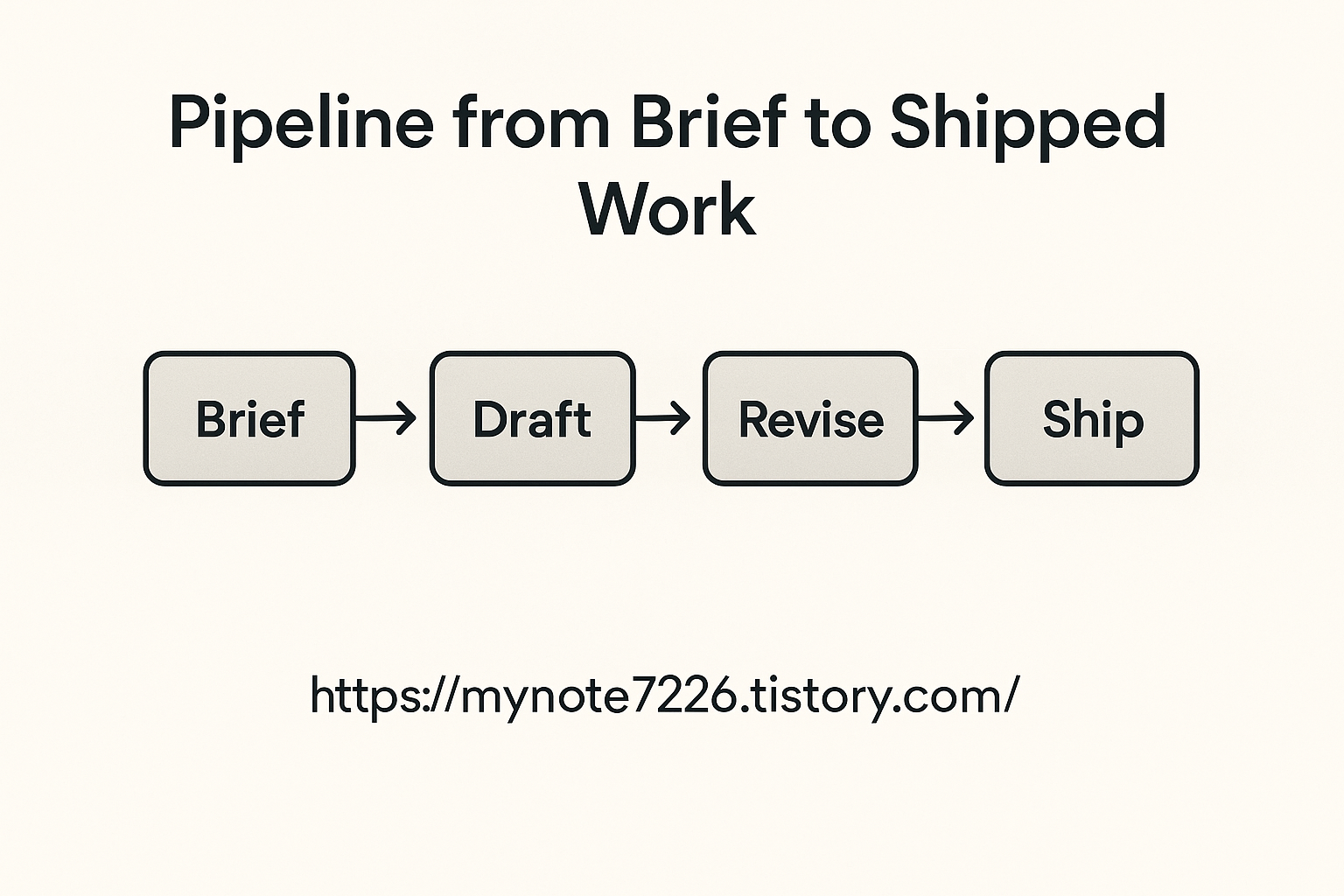
Action Orchestration: From Briefs to Shipped Work (Part 4)
Part 4 of our AI & Productivity series. You already have context-aware briefs. Now turn them into shipped work with orchestration—auto creating tasks, assigning owners, tracking SLAs, and closing loops with governance and ROI.
🏁 Why Orchestration Matters
- Bridge the gap: decision → task → delivery
- Reduce friction and manual copy/paste
- Maintain audit trails for compliance
- Quantify ROI with time saved and cycle-time improved

⚙️ Core Capabilities
Auto Task Creation
Extract decisions into tasks with owner, due date, priority, and labels.
SLA & Status Sync
Track progress across tools (Jira, Trello, Notion) and surface blockers.
Closed-Loop Feedback
Push outcomes back to the knowledge base to refine future briefs.
Governance & Alerts
Access control, audit logs, and cost/usage thresholds with alerts.
🚀 From Brief to Delivery
- Parse: decisions → tasks (owner/due/labels)
- Route: pick the right board/project automatically
- Track: SLA timers, risk flags, and dependency checks
- Report: weekly roll-ups, time-to-decision, time-to-ship
Tip — Keep a minimal taxonomy: area, priority, effort, impact, status. This enables clean dashboards.
📋 10-Question Checklist (Personalized Plan — shown after a 2-second reveal)
Answer all questions (radio). Click “See My Results” → wait 2 seconds → receive an extremely detailed, goal-based plan + per-question gap tips.
Your Result
Personalized 4-Week Plan
Best Practices (Goal-Focused)
Gap Fixes from Your Answers
Risks & Mitigations
Automation Blueprint (Copy & Adapt)
❓ FAQ — Top 5
- 1) Will automation create low-quality tasks?
- Use strict templates (owner/due/priority/labels) and a QA rule: block tasks without owners or due dates.
- 2) How do we avoid tool sprawl?
- Standardize on 1–2 work management tools. Build adapters; avoid duplicating tasks across stacks.
- 3) Can we track value objectively?
- Yes: time-to-decision, time-to-ship, % tasks with owners, blocker count, rework rate, cost per minute.
- 4) What about security & access?
- Role-based access, audit logs, quarterly reviews, key rotation, and region-locking for sensitive data.
- 5) How to start small?
- Automate one recurring meeting’s output for two weeks. Measure gains, then expand to more teams.
👉 Explore Our Wellness Series
Better focus, energy, and resilience start with daily habits.
© Your Site — AI & Productivity Series. Links will be updated as new parts go live.
'Smart Budgeting Reset' 카테고리의 다른 글
| AI & Productivity Series — From Notes to Future of Work (1) | 2025.08.30 |
|---|---|
| Future of Work — What Jobs Will AI Really Replace?(Part 5) (3) | 2025.08.29 |
| AI Summaries: Context-Aware Briefs (Part 3) (5) | 2025.08.27 |
| Whisper Power: Speech-to-Text & Real-Time Translation(Part 2) (4) | 2025.08.26 |
| AI Note-Taking Revolution: How AI Changes the Way We Capture Ideas(Part 1) (3) | 2025.08.26 |


